
Edit Unit Configuration
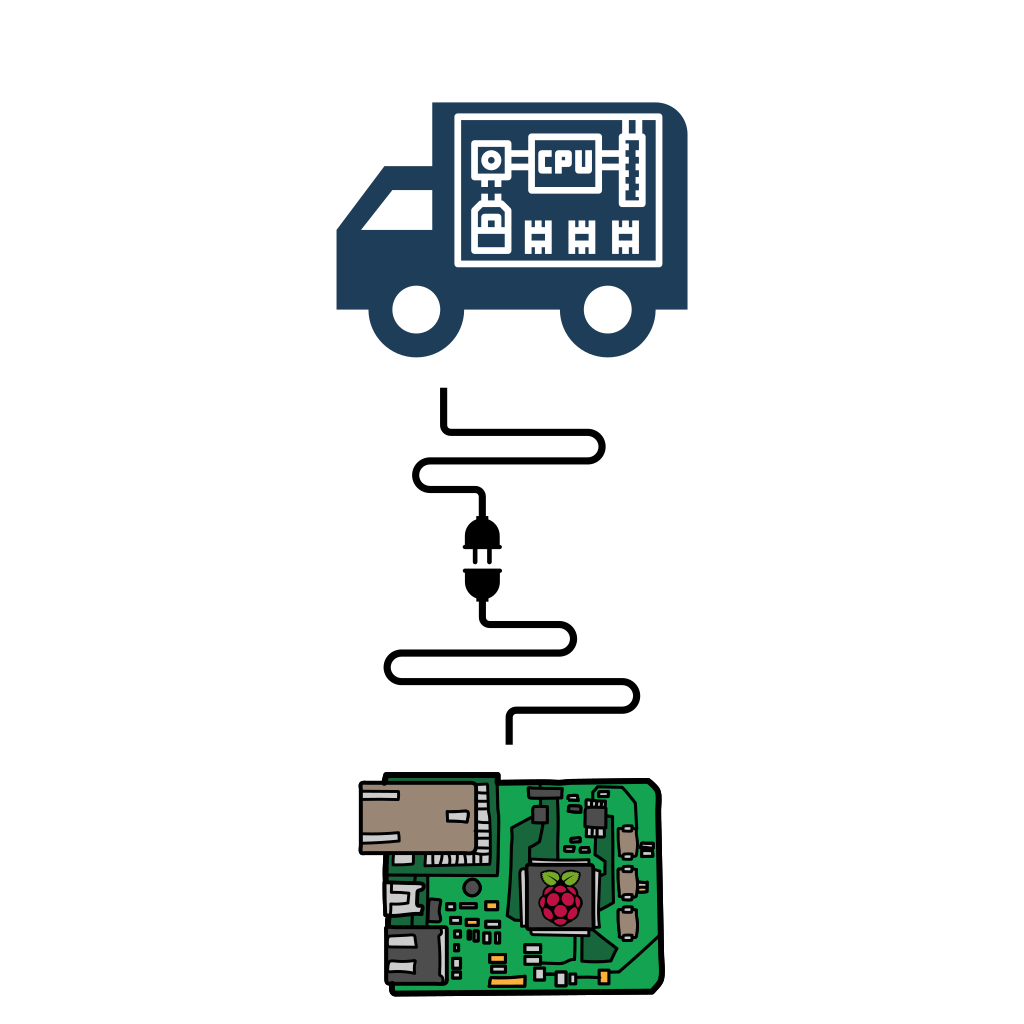
Connect USB to Unit

Connect to board to start
Connecting, please wait ...
System
System Type
Type
System Serial
Serial
Registration No.
Reg
Board Software
Ignition
ign
Liquid Injection
ign
Condenser Temp
degc
Discharge PSI
psi
Sensor
Alarm
Condition
LP Switch
Alarm
Condition
HP Switch
Alarm
Condition
Discharge Stat
Alarm
Condition
Overload
Alarm
Condition
Switch 1
Alarm
Condition
Switch 2
Alarm
Condition
Zone 1
Sensor
Reading
Alarm
Box Temp
0
OK
Coil Temp
0
OK
High Temp
0
Low Temp
0
Zone 2
Sensor
Reading
Alarm
Box Temp
0
OK
Coil Temp
0
OK
High Temp
0
Low Temp
0
Auxiliary
Sensor
Alarm
Condition
Condenser Fan A
0
Condenser Fan B
0
Fan A
0
Fan B
0
Fan C
0
Contactor
0
Condenser Probe
0
Condenser High Temp
0
Pressure Transducer
0
Compressor Clutch
0
Mains & Ign On
0
Connect to board first
1.
Please insert USB stick into Raspberry Pi

2.
Click to prepare USB to obtain logs
3.
Click complete once the USB has been re-inserted into the Pi
Available Logs
- An item
Read Register
Register Number
Register Value
Download Parameters
Enter the product code to find and download parameter set
Parameter Sets
1.
Please insert USB stick into Raspberry Pi
2.
Select the firmware version
Please make sure you have updated the Pi before using this. Its needs to be at 2.0.7The Pi will update automatically from the home screen.
Tap to open the list, then tap a version.